

WordPress 7.0 "Armstrong" released May 24, 2026, introducing a dedicated navigation overlay editor, centralized AI connector management, and pattern-as-block functionality across more than 750 contributor submissions, according to the official release announcement. The update delivers agency-facing workflow improvements including visual revision timelines, responsive block visibility controls, and standardized external service integration architecture that white-label development teams will need to evaluate for client projects.
TL;DR: WordPress 7.0 shipped May 24, 2026 with navigation overlay editing, AI connector hub, visual revisions, and pattern-as-block functionality that changes how agencies build and maintain client sites.
The release arrives four months after WordPress 6.9's January 2026 debut and represents the platform's most significant navigation editing overhaul since the full-site editing rollout in version 5.9. White-label agencies managing multi-site portfolios face immediate decisions about adopting the new navigation canvas for client projects versus maintaining existing menu structures.
Navigation Overlay Gets Dedicated Editing Canvas
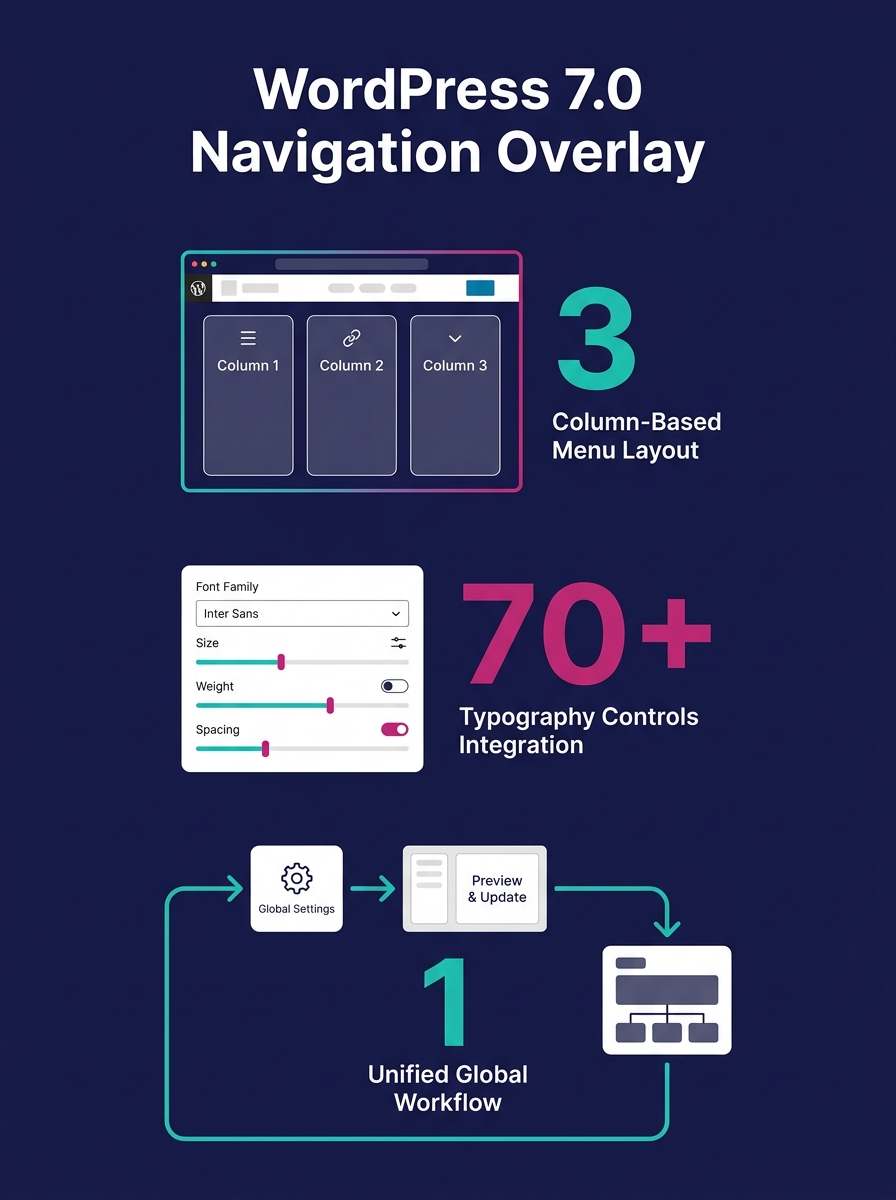
WordPress 7.0 introduces a standalone navigation overlay editor that allows developers to build full-screen menus independent of theme constraints. The feature permits column-based layouts, typography controls, and alignment options previously requiring custom CSS or third-party plugins.
The navigation overlay operates as a distinct editing environment rather than a sidebar widget or header block modification. Agencies can start from pre-built templates or construct overlays from scratch using the block editor. The system preserves desktop and mobile menu structures separately—a workflow change that affects how web designers approach responsive navigation handoffs.
"Build the navigation overlay you want visitors to see. Go beyond a simple list of links: add columns, increase the font size, and align everything to your liking," the release documentation states. The feature integrates with the existing Navigation block but provides expanded controls for overlay-specific styling.
AI Connectors Screen Centralizes External Service Management
The new Connectors administration screen establishes a unified hub for managing external service integrations, including AI providers. The architecture allows users to connect preferred AI services once, then deploy them across multiple site functions through an opt-in system.
WordPress 7.0 ships with an optional AI plugin that adds editor tools for automated title generation, excerpt creation, image generation and editing, and alt text suggestions. The connector framework standardizes how plugins access external services—a shift that affects how agencies structure API key management and client billing for AI-enhanced features.
The system addresses the AI agent security concerns flagged by security researchers following WordPress 7.0's initial preview in March 2026. Agencies implementing AI workflows must now decide whether to enable connectors at the network level for multi-site installations or delegate authentication to individual site administrators.
Visual Revisions Timeline Replaces Text-Only Diff View
WordPress 7.0 replaces the existing revision comparison screen with a timeline slider that displays visual snapshots of page changes. The interface highlights modified blocks with visual markers, allowing users to identify changes at the block level rather than parsing HTML diffs.
The revision system stores visual previews for each saved version, adding database overhead that agencies must account for in hosting capacity planning. A single click restores any previous version, eliminating the need to manually revert individual blocks. The feature operates identically across posts, pages, and custom post types.
Patterns Behave as Single Blocks With Nested Edit Mode
The update changes how patterns function when inserted into pages. Drop a pattern onto a page and WordPress 7.0 treats it as a unified block, allowing text and image swaps without drilling into nested block structures. An "edit pattern" toggle provides access to full block-level controls when detailed modifications are required.
This shift affects agencies using design system handoff workflows that rely on pattern libraries. The simplified editing mode reduces client training time but may obscure block relationships for users accustomed to direct access to nested elements.
Responsive Block Visibility and Performance Optimizations
WordPress 7.0 adds per-block visibility controls for different screen sizes, allowing developers to show or hide blocks based on viewport width. The feature eliminates many CSS-based responsive hiding techniques and provides built-in mobile layout simplification.
Performance improvements include refined image loading prioritization that prevents hidden images in navigation overlays from blocking critical resource loading. The release adds on-demand block stylesheet loading for classic themes and allows scripts to depend on script modules to reduce render-blocking.
The font library, previously exclusive to block themes, now operates across all WordPress theme types. Users can browse, install, and manage fonts from the editor regardless of theme architecture—a change that standardizes font management workflows for agencies supporting mixed theme portfolios.
Accessibility and Admin Interface Updates
WordPress 7.0 ships with a revised default admin color scheme, updated form inputs and buttons, and page transitions that fade rather than jump. The interface changes affect white-label partner onboarding materials that include WordPress admin screenshots or training videos.
Accessibility improvements span media management, voice control usability, and color contrast adjustments. The new Icon block adds a built-in icon library with styling controls, reducing reliance on icon font plugins for simple icon insertion tasks.
The Takeaway
WordPress 7.0's navigation overlay editor and AI connector hub require immediate agency evaluation. The navigation canvas changes how responsive menu design gets scoped and billed—full-screen overlay layouts take more design and QA time than traditional dropdown menus. Agencies must decide whether to adopt the overlay pattern as a standard offering or reserve it for specific client segments willing to pay for advanced navigation design.
The AI connector framework creates new technical debt considerations. Enabling AI features means managing API credentials, usage limits, and client expectations around automated content generation. Agencies building headless WordPress architectures must verify that the connector system exposes AI functionality through REST API endpoints if they plan to offer AI features in decoupled implementations.
Pattern-as-block functionality simplifies client training but may complicate maintenance for agencies using pattern libraries as design system enforcement tools. The shift from direct block access to nested edit mode changes how agencies document site architecture for non-technical clients—a consideration for teams standardizing white-label partner briefs and client handoff documentation.