

Configuration drift between staging and production causes 90% of silent production failures on white-label WordPress sites. The failures follow a predictable pattern: PHP version mismatches, divergent plugin states, database mutations, and caching differences accumulate invisibly until deployment day reveals them all at once.
TL;DR: Silent production failures happen because staging and production environments diverge through untracked changes over days and weeks. A structured five-category pre-launch testing checklist covering PHP configuration, database state, plugin versions, DNS/SSL settings, and analytics tracking catches the vast majority of these issues before they reach a client's live site.
How Environment Configuration Drift Accumulates
Why does a staging site that worked perfectly yesterday break in production today? Because drift is incremental. DriftAlarm's configuration management research defines technology stack drift as "the gap between what your asset register says is running and what is actually deployed." Every plugin update, every PHP patch, every new caching rule applied to one environment and not the other widens this gap.
Jack Williams, a WordPress and server management specialist at Moss.sh, has noted that "AI will augment detection by predicting likely drift, clustering anomalies, and recommending remediations," while cautioning that such automation "requires validation, explainability, and governance to prevent erroneous automated actions."
For white-label agencies managing 20, 50, or 100+ client sites, the math compounds quickly. If each site has 15 active plugins, 1 theme with 3 to 4 template overrides, and 6 server-level configurations (PHP version, memory limit, max execution time, upload size, OPcache settings, and SSL certificate state), a single client site carries roughly 25 independent drift vectors. Multiply that across a 40-site portfolio and you're tracking 1,000 potential divergence points. Agencies that maintain environment parity across development, staging, and production reduce those vectors systematically. The rest discover them through angry support tickets.
The PHP Runtime Layer
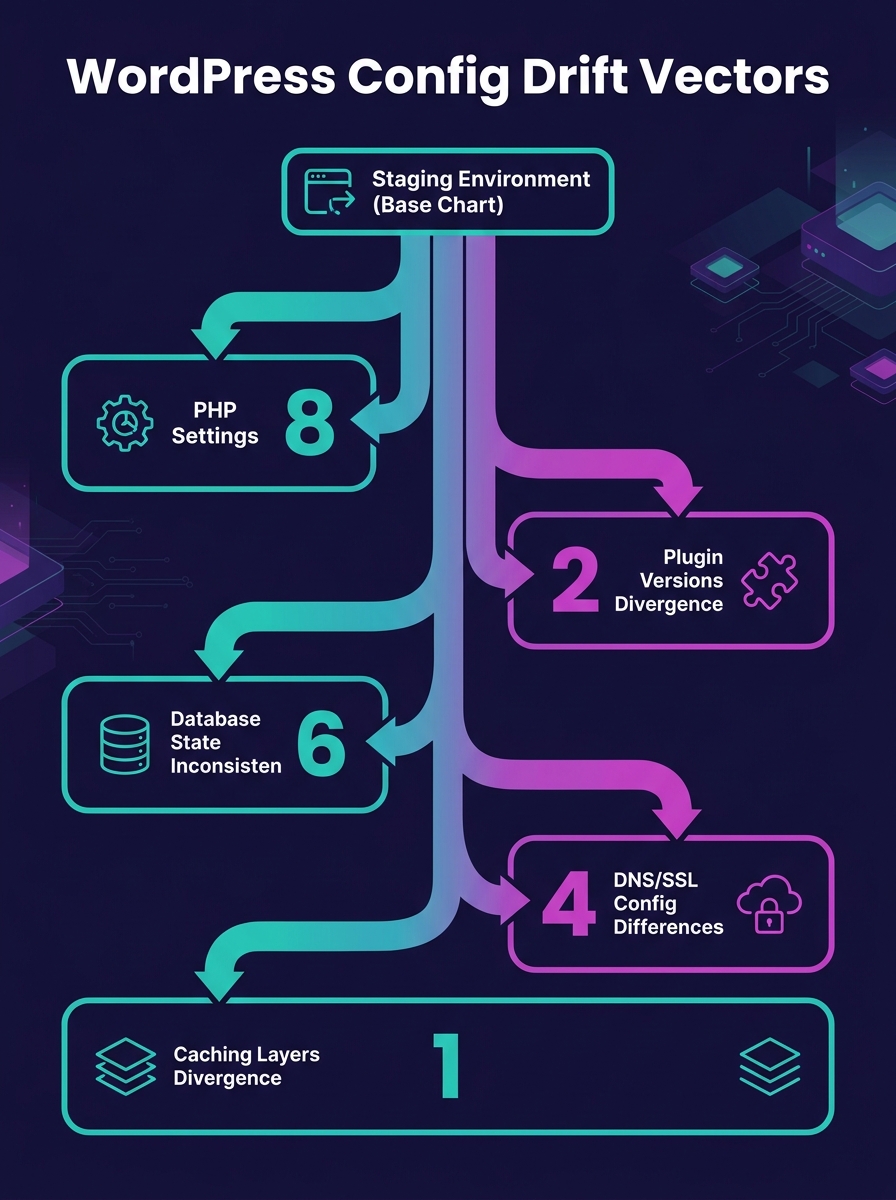
The PHP version and its configuration flags are the single largest source of silent production failures in white-label WordPress debugging. A staging server running PHP 8.1 with error reporting set to E_ALL will surface deprecation notices that PHP 8.3 on production handles silently, or vice versa. WordPress's own debugging documentation confirms that "enabling WP_DEBUG will cause all PHP errors, notices, and warnings to be displayed," which modifies "the default behavior of PHP, which only displays fatal errors or shows a white screen of death."
The critical PHP settings that must match between environments include:
- memory_limit: Staging often runs at 256MB while production sits at 128MB, masking memory-exhaustion errors on resource-heavy WooCommerce pages
- max_execution_time: A 300-second staging timeout hides slow queries that a 30-second production timeout kills mid-process
- upload_max_filesize and post_max_size: Mismatches here cause form submissions and media uploads to fail silently when clients upload assets above 2MB on a production server capped lower than staging
- OPcache settings: OPcache enabled on production but disabled on staging means cached bytecode can serve stale plugin code for up to 3,600 seconds (the default revalidation interval) after a deployment
Database State and Content Sync Failures
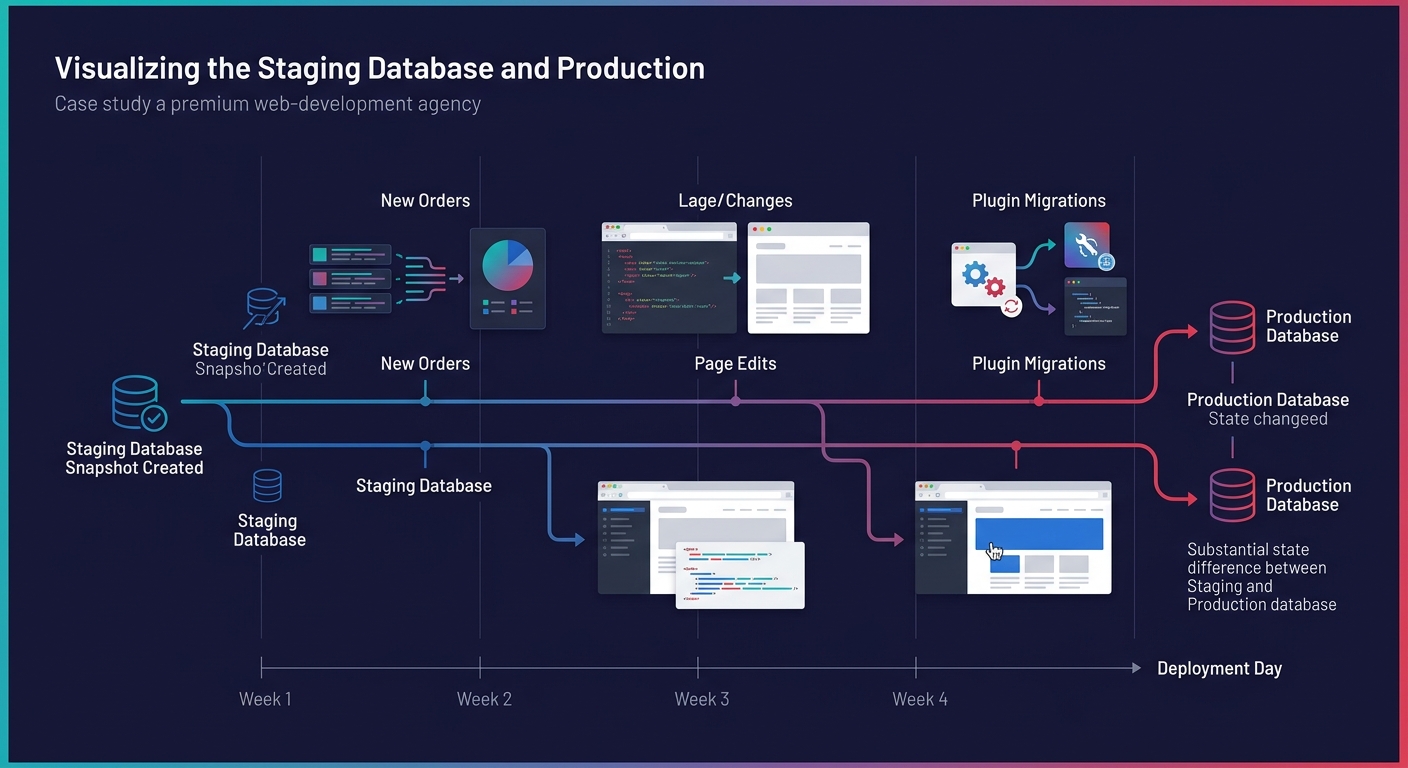
Database divergence creates a category of bugs that no amount of code review catches. The staging database is a snapshot from some point in the past, often weeks or months old. During that interval, clients add WooCommerce orders, create new pages, update menu structures, install contact form entries, and modify widget configurations on production. When you push code changes from staging to production, the code expects database structures and option values that may have shifted underneath it.
The most dangerous pattern involves plugin migrations. A plugin update on staging runs a database migration (adding columns, modifying table schemas) that conflicts with data already present in production. WooCommerce alone maintains 12+ custom database tables, and a version gap between staging and production can mean migration scripts run in an unexpected order or skip steps entirely.
According to the WordPress QA testing lifecycle, teams should "define scope and risks, prepare staging parity, execute functional and performance validation, log and resolve defects, perform regression testing, and validate quality gates." The database state validation step is where agencies most often skip ahead, assuming that if the code works on staging, the data layer will cooperate on production.
Plugin Version Gaps and Silent Deprecations
DriftAlarm's research identifies a specific tech stack drift scenario: "WordPress or CMS plugins updated without security review." This happens in both directions. Staging might run Advanced Custom Fields 6.3.2 while production still has 6.2.7, or a client's marketing team installs a new analytics plugin on production that staging knows nothing about.
The silent failure mechanism works like this: Plugin A on staging expects a function provided by Plugin B version 4.x. Production runs Plugin B version 3.8. PHP doesn't throw a fatal error because the function exists in both versions, but the return value changed from an array to an object in 4.0. The page renders. The forms submit. But the data captured is malformed or incomplete. No error log entry, no white screen, just quietly wrong output that nobody notices until a client asks why their lead form submissions are missing phone numbers.
Agencies performing white-label WordPress debugging should audit plugin states across 4 dimensions: version number, activation status, configuration options stored in wp_options, and any scheduled WP-Cron events the plugin registers. A plugin that's the same version but has different wp_options entries between staging and production will behave differently, and those behavioral differences won't show up in a git diff. The agencies that track their security baselines across client deployments tend to catch version gaps as part of that process, since outdated plugins represent both a security risk and a parity risk.
DNS, SSL, and Caching Layer Differences
The network edge is where production staging parity breaks in ways that staging, by definition, cannot replicate. Staging environments typically run on subdomains (staging.clientsite.com) or separate domains entirely, which means the SSL certificate chain, DNS TTL values, CDN configuration, and server-side caching behavior are all different from production.
Pantheon's documentation describes their approach: a structured Dev, Test, Live workflow where "Dev is for active coding, integrating changes from version control" and "Test is where you stage deployments against a copy of live content." Even with this kind of purpose-built infrastructure, the CDN and edge caching layers still need manual verification.
Specific failure points include:
- CDN caching rules: Cloudflare's default "Standard" cache level caches static assets but not HTML. If production uses a page rule caching HTML for 4 hours while staging has no CDN, a deployment that changes page templates won't be visible to 60 to 80% of visitors until cache expiry
- SSL mixed-content warnings: Staging uses a wildcard certificate; production uses a domain-validated cert with different SAN entries. Hardcoded HTTP references in theme files trigger mixed-content browser warnings on production only
- Server-side page caching: WP Super Cache, W3 Total Cache, or host-level caching (Kinsta's server-level cache, WP Engine's EverCache) purge on different triggers. A staging environment without page caching misses the scenario where updated content serves stale cached HTML for up to 24 hours
These are the silent production failures that a pre-launch testing checklist must address with specific DNS and SSL verification steps. The hidden costs of technical debt across client portfolios compound fastest at this layer because edge configuration errors affect every single page load.
The Five-Category Pre-Launch Audit
A pre-launch testing checklist that catches 90% of environment configuration drift covers 5 distinct categories. WordPress QA documentation identifies these as functional validation, performance verification, search engine configuration, security verification, and content/UX review.
| Category | What to Verify | Common Silent Failure | Detection Method |
|---|---|---|---|
| PHP/Server Config | PHP version, memory_limit, max_execution_time, OPcache | Functions deprecated in newer PHP return unexpected values | Run php -i diff between environments |
| Database State | Table schemas, wp_options values, WP-Cron schedules | Plugin migration scripts skip steps due to data conflicts | Export and diff wp_options tables |
| Plugin/Theme Parity | Version numbers, activation status, per-plugin wp_options | Same version with different config produces different output | WP-CLI plugin list comparison |
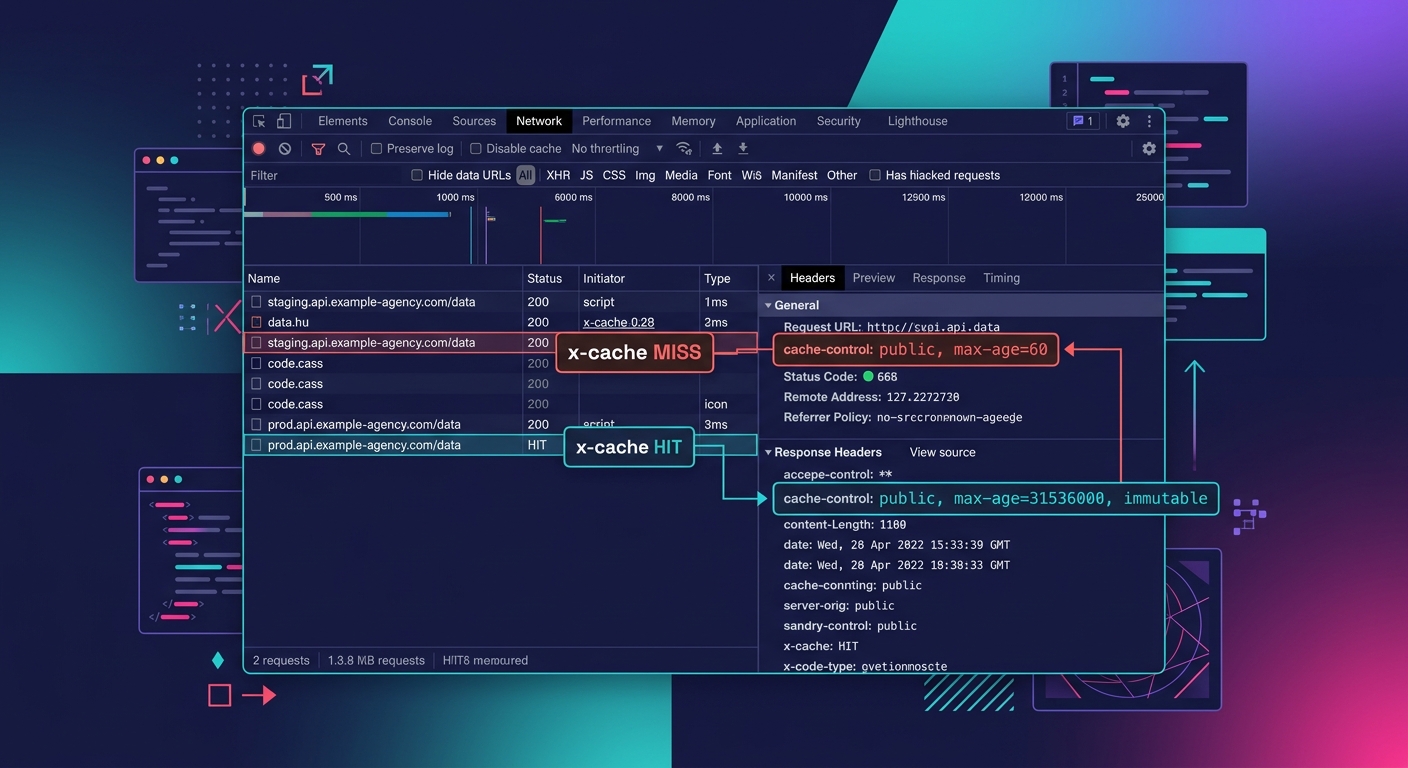
| DNS/SSL/CDN | Certificate chain, CDN cache rules, DNS TTL, mixed content | Cached HTML serves stale content for hours after deployment | Browser dev tools Network tab + curl |
| Analytics/Tracking | GTM container IDs, GA4 measurement IDs, conversion pixels | Staging IDs persist on production, contaminating data | Manual page source review on 3-5 key pages |
The analytics category is the one agencies most frequently overlook. A staging site with Google Tag Manager container GTM-STAGING pushed to production will silently send all conversion data to the wrong GA4 property. For agency clients running $5,000 to $50,000 per month in paid media, contaminated conversion tracking can waste the entire ad budget within 48 hours before anyone notices the data discrepancy.
Warning: If your staging environment uses any analytics or advertising tracking codes, verify every container ID, measurement ID, and pixel ID before pushing to production. A mismatched GTM container is the most expensive silent failure in digital marketing because it corrupts the data your clients use to make budget decisions.
Where This Checklist Falls Short
The five-category audit catches environment configuration drift at the layer of settings and versions. It does not catch behavioral drift under load. A WooCommerce checkout flow that handles 3 concurrent sessions on staging will behave differently when 150 concurrent sessions hit production during a promotional email blast. Race conditions in inventory management, payment gateway timeout behavior under queue pressure, and database connection pool exhaustion all belong to a category of failures that static environment comparison cannot predict.
A pre-launch checklist is a snapshot comparison. Drift is a continuous process.
The checklist also assumes you're comparing two environments at the same point in time. In practice, the comparison happens on Tuesday, the deployment happens on Friday, and a client's content editor publishes 12 new pages with embedded shortcodes on Wednesday that introduce a plugin dependency nobody tested. White-label agencies running post-launch support as a recurring revenue stream have learned to treat the pre-launch checklist as a living document, re-running the environment diff within 2 hours of deployment rather than treating the Tuesday audit as final.
Production staging parity is a moving target. The checklist buys you coverage for the 90% of failures caused by known, measurable drift. The remaining 10% requires production observability, real-time error monitoring, and the kind of structured logging that turns a silent failure into a Slack notification before the client's phone rings.