

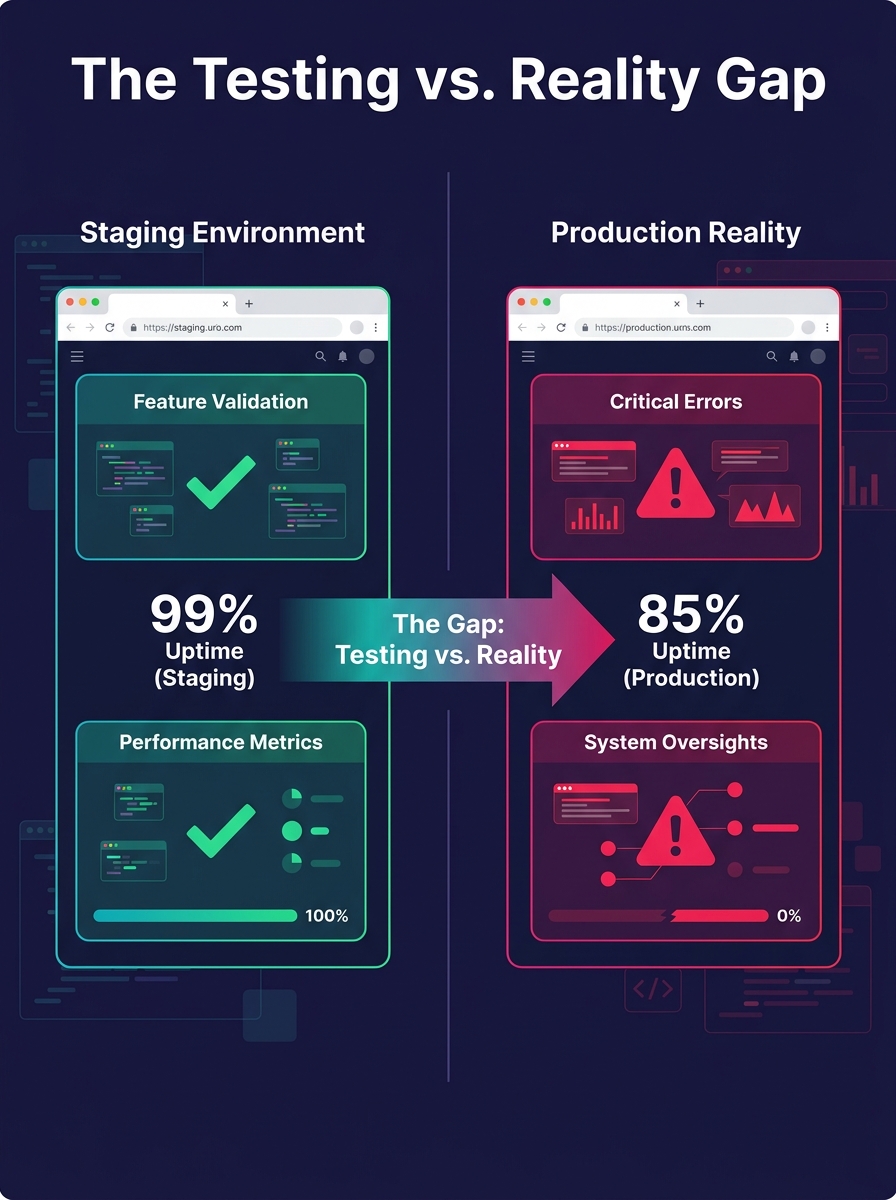
Every white-label WordPress project passes through at least two environments before reaching the client's live server. When those environments disagree on PHP version, caching rules, database configuration, or SSL enforcement, the QA your team ran in staging becomes fiction, and post-launch bugs multiply with no clear origin.
TL;DR: Environment parity failures, where staging and production diverge on server configuration, caching, or database setup, cause a disproportionate share of white-label deployment failures. Auditing six specific infrastructure layers catches the mismatches before your client does.
Why Staging vs. Production Drift Hits White-Label Teams Hardest
White-label agencies face a structural disadvantage with environment parity because they build on infrastructure they don't control. Your dev team works in one hosting setup. Your QA team tests on a staging server provisioned by a different provider. The client's live site runs on whatever hosting plan their internal team chose, complete with its own PHP version, memory limits, and caching layer.
That gap between what you test and what actually runs is where white-label debugging turns into guesswork. According to IBM's 2024 Cost of a Data Breach report, 60% of data breaches involving marketing and advertising originate with third-party vendor environments, and the average breach cost in advertising hit $4.8 million. Many of those breaches trace to environment misconfigurations rather than sophisticated exploits.
We've written before about why staging sites fail to catch production bugs, and the root cause is almost always the same: the environments were never truly equivalent. The staging server said "pass." Production said otherwise.
Six Layers Where Environments Typically Diverge
Why do parity audits matter at the infrastructure level? Because most agencies check code but ignore the server underneath it. OneUptime's January 2026 engineering guide states it directly: "Environment parity requires discipline and the right tooling," and that tooling needs to cover six distinct layers.
| Infrastructure Layer | Common Dev/Staging State | Common Production State | Impact of Mismatch |
|---|---|---|---|
| PHP Version & Extensions | PHP 8.2 or 8.3, default extensions | PHP 8.0 or 8.1 on older hosts | Fatal errors, deprecated function warnings, silent type coercion differences |
| Database Engine & Collation | MariaDB 10.6, utf8mb4_general_ci | MySQL 5.7 or 8.0, utf8_general_ci | Broken character rendering, 15–40% query performance gap on complex joins |
| Object Caching | No Redis or Memcached (local dev) | Redis enabled via host plugin | Cache poisoning bugs invisible in staging, 200–400ms response time variance |
| Cron Execution | wp-cron (traffic-triggered) | System cron (server-scheduled) | Scheduled tasks fire at wrong intervals; WooCommerce order status updates delayed by hours |
| SSL/TLS Configuration | Self-signed cert or HTTP-only | Let's Encrypt with HSTS enabled | Mixed content warnings, REST API authentication failures, broken webhook callbacks |
| File Permissions | 777 or developer user owns all files | www-data with restricted 755/644 | Plugin updates fail silently, media uploads return 403, wp-config.php writable in staging but locked in production |
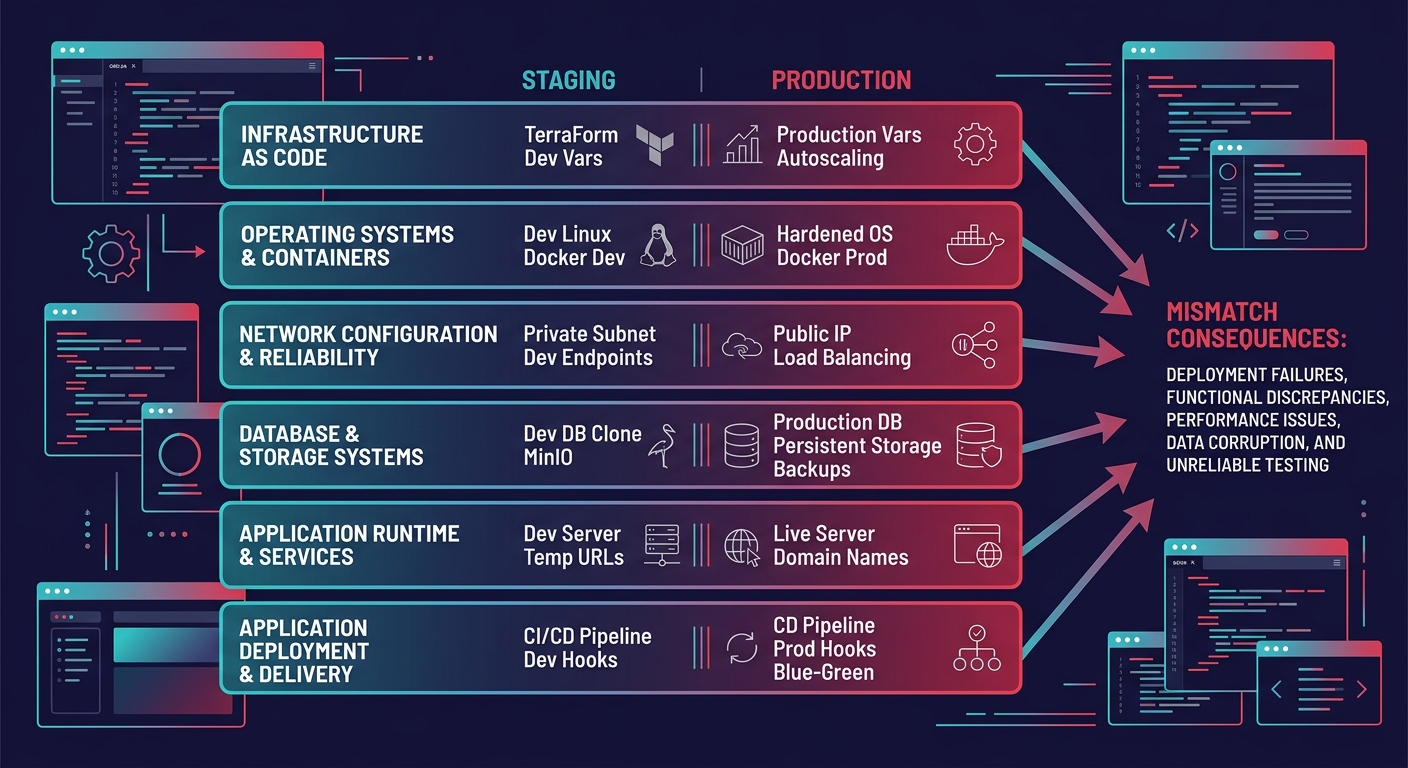
Each of these layers can independently cause a deployment to fail. But the real damage comes from combinations. A PHP 8.2-to-8.0 downgrade paired with a missing Redis extension produces error patterns that look like plugin conflicts, sending your team down the wrong diagnostic path for days.
How to Run a Parity Audit in 90 Minutes
The most efficient deployment verification process checks all six layers before any code moves to production. ISO 27001 Annex A 8.31 guidance instructs auditors to "review the change management process to control the movement of code and configurations between environments, taking a sample and walking through evidence."
You don't need ISO certification to apply the principle. Here's the audit sequence:
- Capture server fingerprints (15 minutes). Run phpinfo(), check MySQL version, document the object cache status, and record file ownership on both staging and production. Save the output as paired text files.
- Diff the configurations (20 minutes). Compare the two fingerprints line by line. Flag every difference, no matter how minor. A collation mismatch between utf8mb4_general_ci and utf8mb4_unicode_ci looks trivial until a WooCommerce product title with an emoji breaks the checkout page.
- Test cron behavior (15 minutes). Schedule a test event on both environments and verify it fires at the expected time. The gap between wp-cron and system cron has caused more post-launch WooCommerce failures than most agencies track.
- Run integration tests with production-like data (20 minutes). OneUptime's guide recommends using anonymized production data for integration tests because synthetic datasets miss edge cases: irregular formatting, null values, and rare transaction sequences that exist only in live databases.
- Document and ticket (20 minutes). Every mismatch becomes a ticket with a fix owner and a deadline. If the mismatch requires the client's host to act (upgrading PHP, enabling Redis), that ticket goes to the client's account manager the same day.
If your white-label partners aren't running this kind of audit, the quality scorecard approach we've outlined before gives you a framework for holding them accountable.
Infrastructure as Code Narrows the Gap
Spacelift's IaC testing guide documents how TFLint for Terraform and language-specific linters catch configuration drift before deployment. These tools detect unused variables, incorrect resource naming, and non-idiomatic patterns that create silent differences between environments.
For WordPress agencies, the IaC principle translates to version-controlled server configuration. Whether you use Ansible playbooks, Docker Compose files, or a managed platform like SpinupWP or GridPane, the goal is identical: define your server stack once, deploy it to every environment, and let version control catch drift.
Abstracta's infrastructure testing research recommends adding environment checks directly to CI/CD pipelines. Before running any test, the pipeline automatically verifies open ports, correct software versions, and network access. Those checks add 30–60 seconds to a deployment pipeline and prevent the kind of configuration surprise that costs 4–8 hours of white-label debugging after launch.
This discipline applies across platforms, too. Whether you're shipping WordPress builds or handling Shopify development for e-commerce clients, environment drift is platform-agnostic, and the audit process looks similar.
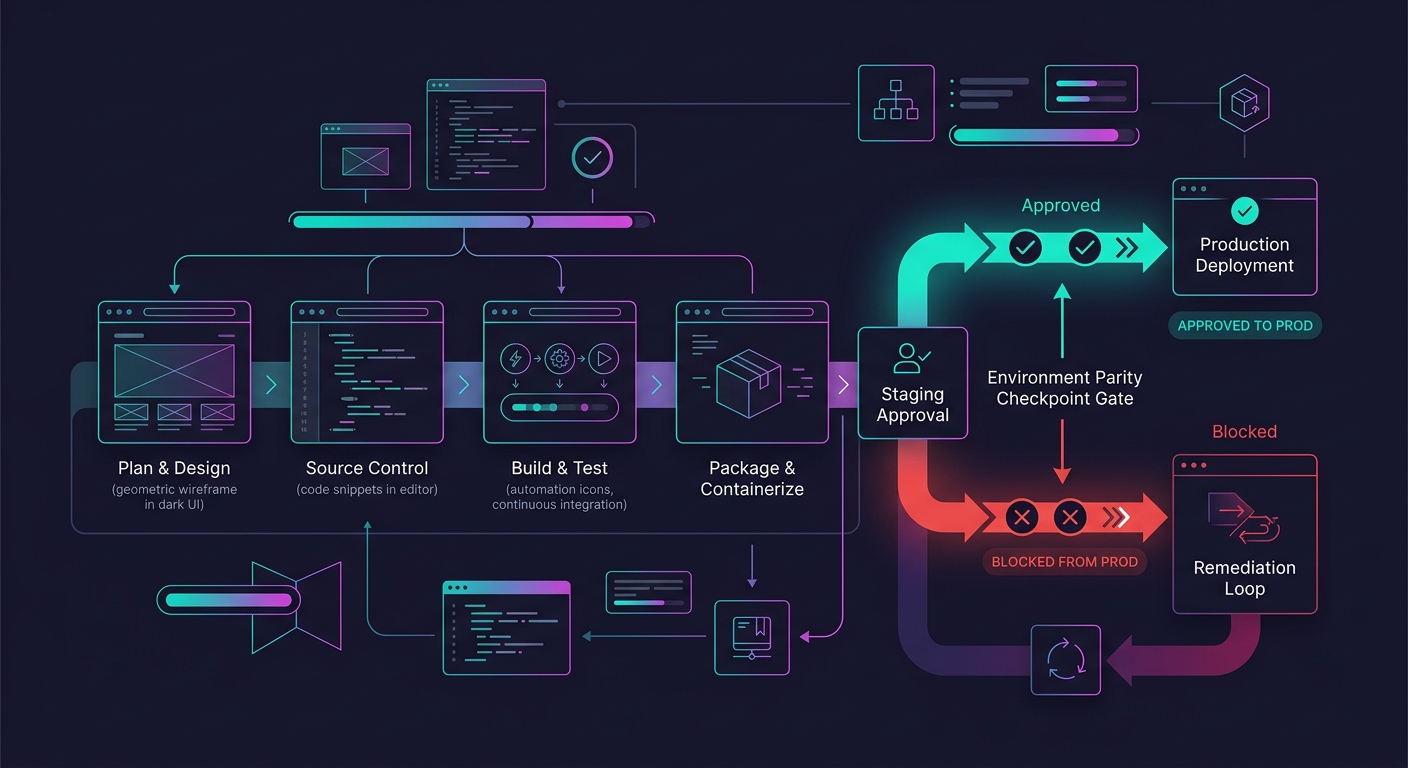
Tip: Add a pre-deployment hook to your CI/CD pipeline that compares PHP version, MySQL version, and active caching layer between staging and production. If any value differs, the deployment halts and notifies the team. This single gate prevents a large share of the "works on staging, breaks in production" tickets agencies deal with weekly.
Embedding the Audit in Your Delivery Workflow
Parity audits are worthless if they happen once and then get skipped under deadline pressure. The pattern that works is tying the audit to existing QA checkpoints. If your team already follows a structured testing process at scale, the environment parity check slots in as a pre-QA gate rather than a separate task.
Northflank's staging environment documentation frames this well: staging environments "provide a safe space to test integrations, validate performance, and get stakeholder approval while mirroring production conditions as closely as possible." The key phrase is "as closely as possible." Most agencies treat staging as a checkbox. The ones that avoid post-launch chaos treat staging as an infrastructure contract with defined terms, documented configurations, and enforcement mechanisms.
The agencies that avoid post-launch chaos treat staging as an infrastructure contract with defined terms and enforcement, not a checkbox someone clicks before go-live.
For teams building production debugging systems, parity data feeds directly into incident response. When a production bug surfaces, knowing exactly where staging and production differ cuts triage time from hours to minutes. You stop asking "why doesn't this work?" and start asking "which of our documented differences caused this?"
What Still Isn't Settled
Three open questions keep environment parity from becoming a solved problem for white-label agencies.
Managed hosts don't expose full parity controls. WP Engine, Kinsta, and Flywheel disable certain caching layers on their staging tiers by default. WP Engine staging environments, for example, strip production-level page caching and CDN configuration. Until managed hosts provide true infrastructure consistency between tiers, agencies carry the audit burden themselves.
Database parity at scale remains painful. Anonymizing production databases for staging use requires tooling that most small and mid-size agencies haven't invested in. GDPR and CCPA compliance makes it worse: you can't copy the production database wholesale, but synthetic data misses the edge cases that cause real failures in the field.
Client hosting choices create a moving target. When a client migrates hosts or their provider upgrades PHP without notice, every assumption in your parity audit goes stale overnight. Gartner projects that 70% of digital agencies will adopt AI-powered automation by 2026, but automation built on mismatched environments produces unreliable outputs, compounding the problem.
The agencies pulling ahead are the ones treating environment parity as ongoing infrastructure governance. If you're running a technical debt audit on your white-label portfolio, add environment drift to the scorecard. The bugs it catches are the ones your team will never find in staging alone.